How to check your SPF, DKIM, and DMARC are set up correctly in Google Workspace
Are you using Google Workspace? Did you self-deploy? If so, you’ve likely missed some settings, which is likely putting the emails you send into spam.
Don’t worry, this is incredibly common. I see this pretty much in every business that has set up Google Workspace on its own.
SPF, DKIM, and DMARC can look scary and complicated, so it makes sense that you’d skip them. But missing them doesn’t stop you from sending emails; it’s just that those emails are more likely to end up in spam.
So we’ve made a free Google Workspace email security check tool you can use to check that your Google Workspace email is set up correctly.
If you have a problem, it will take you to a free guide on how to fix it. No sign-in required, no email address needed to be given.
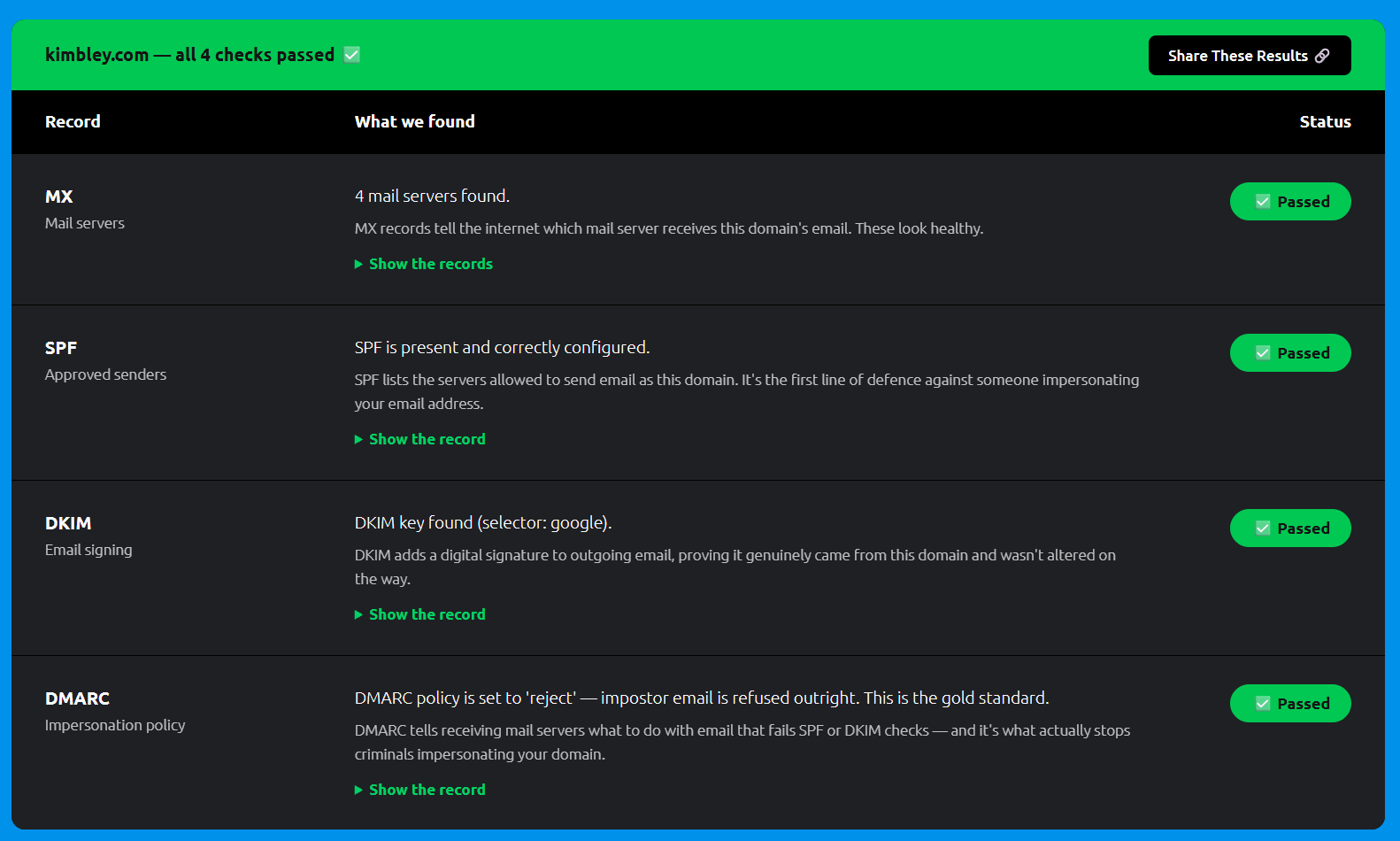
Once you’ve got everything set up, you should get a result like the one below in the screenshot with green ticks throughout.
And if you haven’t got time to fix the problem, or it still seems a bit too complicated and tricky, no worries, just book a video call with me.